YouGooDai
Mobile of the Day

YouGooDai

5.0 FREE
  • Screenshot 1
  • Screenshot 2
  • Screenshot 3

Description

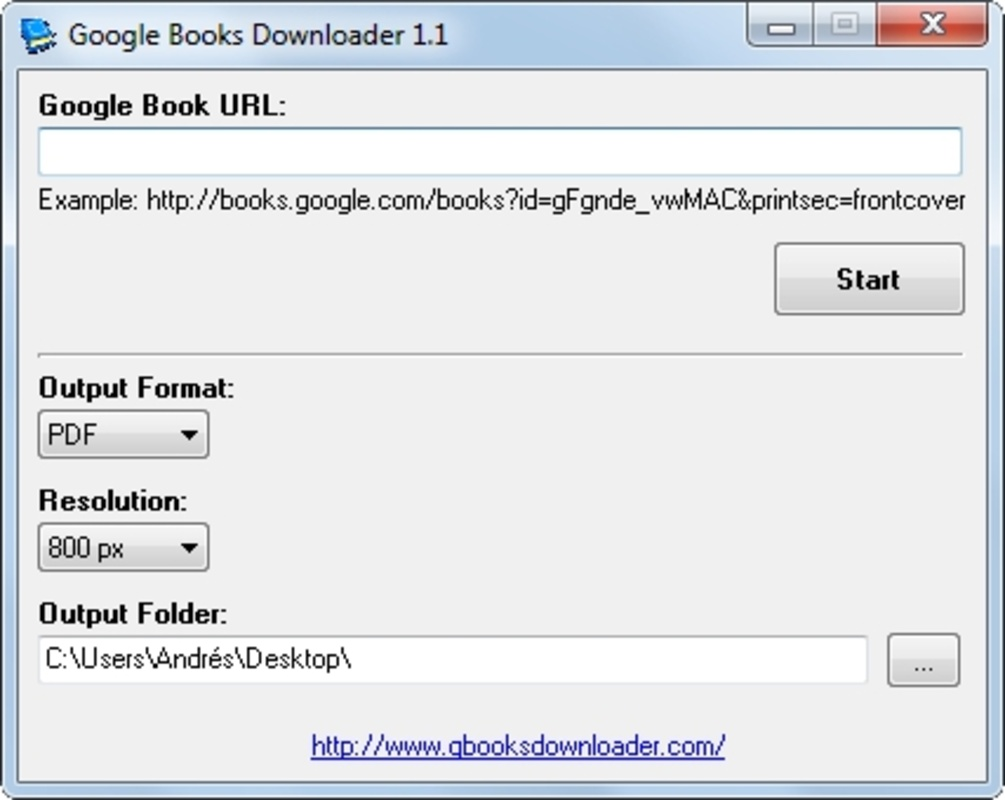
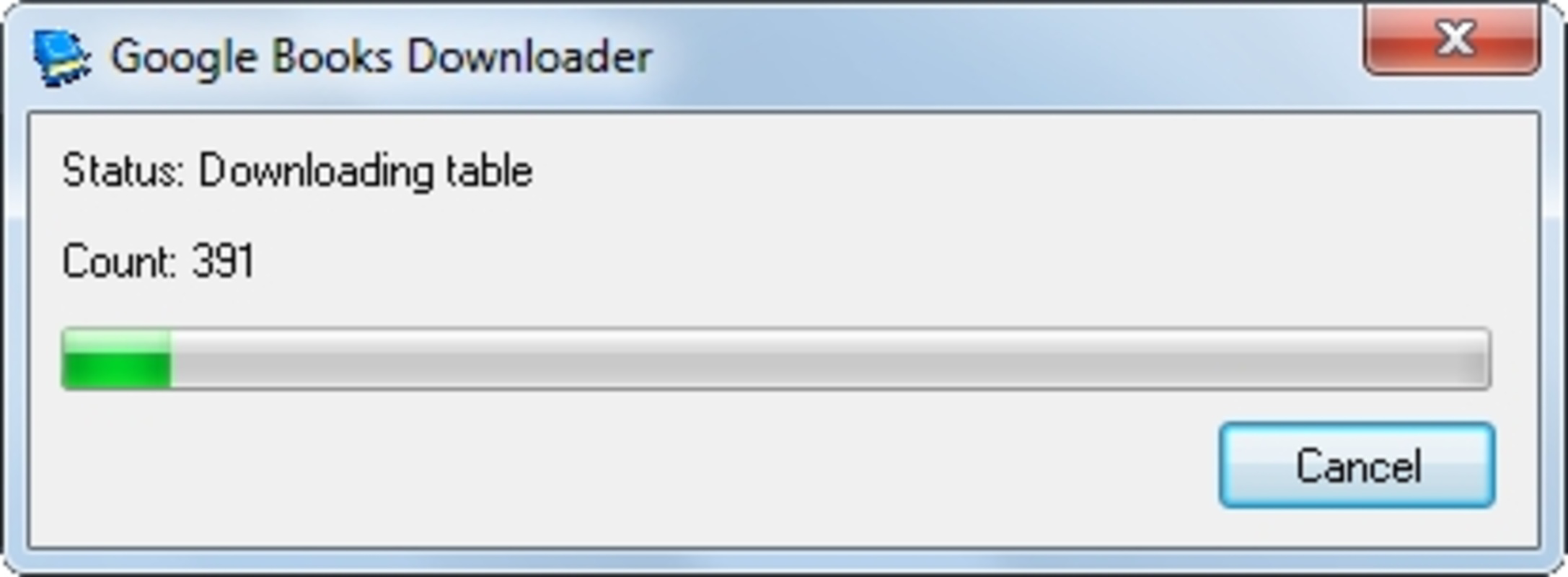
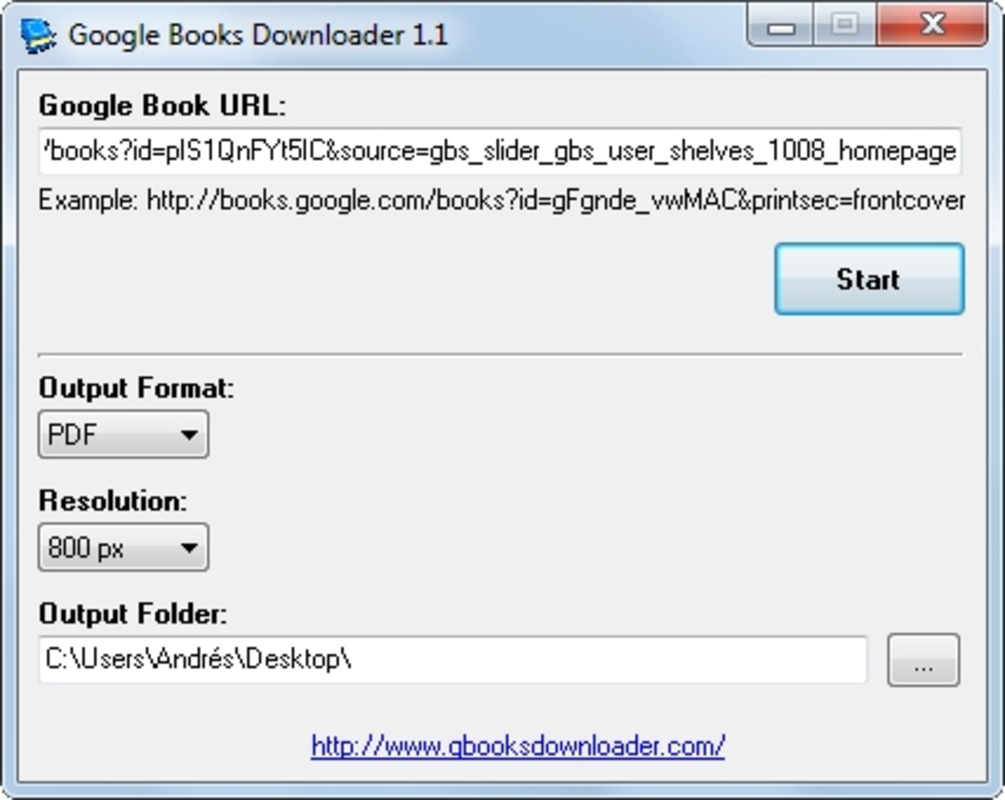
About Google Books DownloaderGoogle Books Downloader is a user-friendly software that allows users to convert Google Books into PDFs or images for offline viewing. With its simple interface and a handful of options, Google Books Downloader makes it easy to download and save books from Google Books. Here are some key features of Google Books Downloader:Key Feature1: Easy to UseGoogle Books Downloader features a straightforward interface with just a few options, making it incredibly easy to use. Users only need to input the URL of the book they'd like to download, and the software takes care of the rest.2: Fast Download and ConversionThe software is designed for speed and efficiency. In tests, a 220-page book took just 3 minutes and 33 seconds to be downloaded, converted, and saved to the desktop.3: Handy OptionsDespite its basic nature, Google Books Downloader offers several useful options, such as image resolution, output format, and output directory. The software can generate PDF books as well as JPEG/PNG images with a resolution of up to 1280 pixels.4: Offline Reading ConvenienceFor users who enjoy Google Books but prefer not to read in their web browser, Google Books Downloader provides a convenient solution for offline reading. The freeware saves the downloaded book to the user's device, enabling them to read it without an internet connection.5: Potential Legal ConcernsIt is essential to note that Google Books Downloader may be considered unlawful by some, as Google ships its books with DRM, requiring users to utilize software approved by Google to read its books. This app circumvents this limitation, which may raise legal concerns for some users.In conclusion, Google Books Downloader is a simple and efficient tool for downloading and converting Google Books into PDFs or images for offline viewing. With its easy-to-use interface, fast download and conversion times, and handy options, Google Books Downloader offers a convenient solution for users who want to enjoy Google Books without reading them in a web browser. However, it is important to be aware of the potential legal concerns surrounding the use of this software.Reviewed by Jason A. BilbreyShow MoreShow Less

Guides & Tutorials for Google Books Downloader

How to install Google Books Downloader
  1. Click the Preview / Download button above.
  2. Once redirected, accept the terms and click Install.
  3. Wait for the Google Books Downloader download to finish on your device.
How to use Google Books Downloader

This software is primarily used for its core features described above. Open the app after installation to explore its capabilities.

User Reviews for Google Books Downloader 0

    No reviews found

Similar Apps
